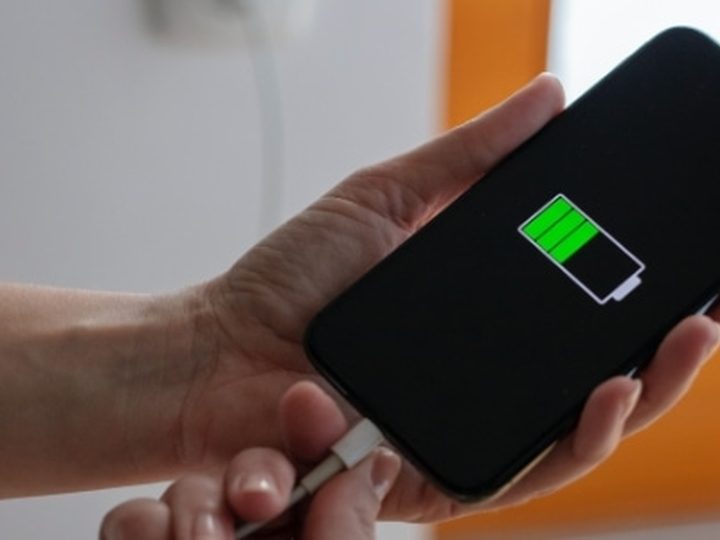
1. Keep heat under control
Heat is one of the fastest ways to age an iPhone battery. Avoid charging or using the phone for heavy tasks in direct sunlight, inside a hot car, or under a pillow. If the iPhone becomes warm during charging, remove thick cases and move it to a cooler place.
2. Use Optimized Battery Charging or Charge Limit
Keep Optimized Battery Charging enabled. On supported iPhone models, iOS can delay charging past 80% when it expects the phone to stay connected for a long time. On iPhone 15 models and later, you can also choose a charge limit between 80% and 100% from Settings > Battery > Charging.
3. Do not fear partial charging
You do not need to drain the iPhone to 0% before charging. Small top-ups during the day are normal. For most people, keeping the battery roughly between 20% and 80% during daily use is more comfortable for long-term health than deep discharge cycles.
4. Use safe cables and chargers
Use quality USB-C, Lightning, MagSafe, or certified accessories. Very cheap or damaged cables can cause unstable charging, extra heat, or charging interruptions. If the cable gets hot, disconnect it and inspect the charger, port, and cable before using it again.
5. Check Battery Health once a month
Open Settings > Battery > Battery Health. Look at Maximum Capacity and Peak Performance Capability. A lower capacity is normal with age, but sudden drops, unexpected shutdowns, swelling, or charging jumps are warning signs that the battery or charging circuit should be inspected.
6. Reduce unnecessary drain
Battery protection is not only about charging. Lower screen brightness when possible, enable Auto-Brightness, review apps with high background usage, keep iOS updated, and use Low Power Mode when you need the phone to last longer during a busy day.